





Izismile.com » Random » Awesome » How To Do an iPad Yourself (10 pics)

How To Do an iPad Yourself (10 pics)

Posted in Random » Awesome   1 Dec 2011   / 13078 views

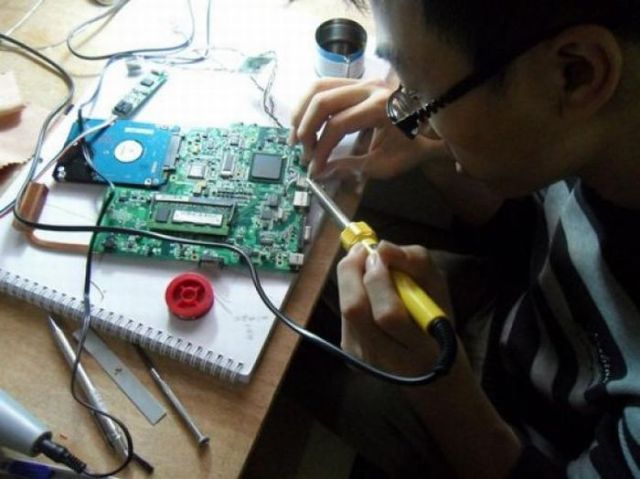
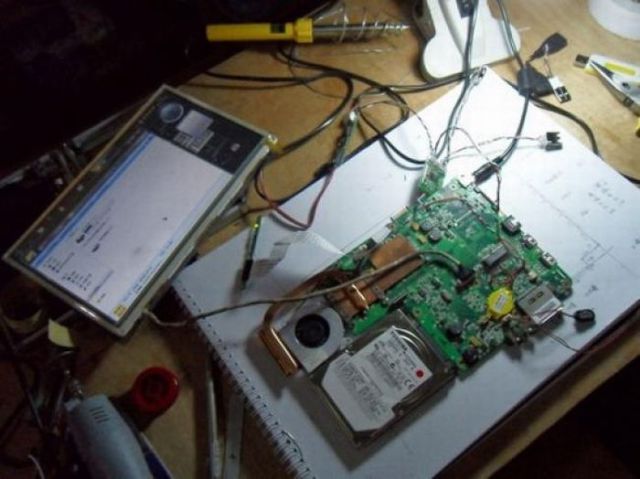
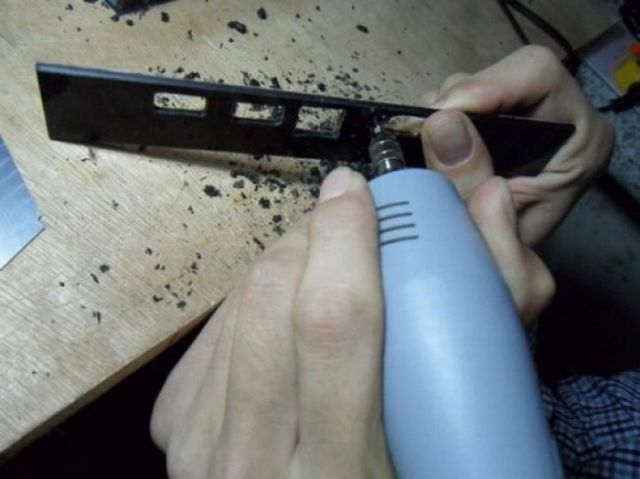
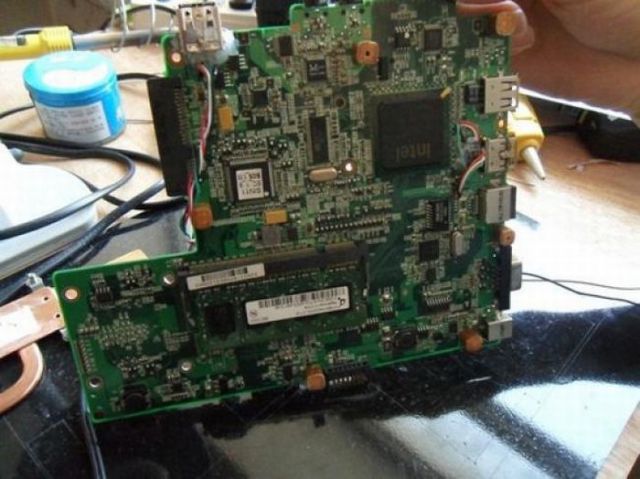
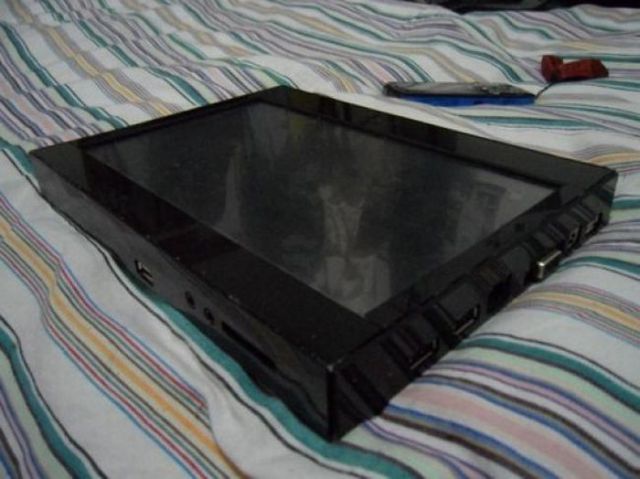
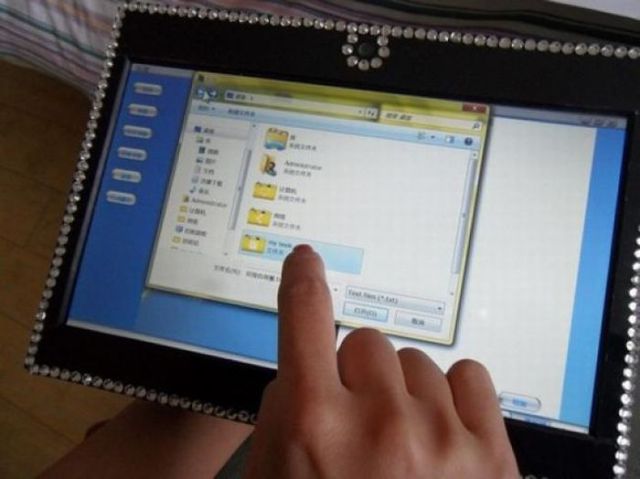
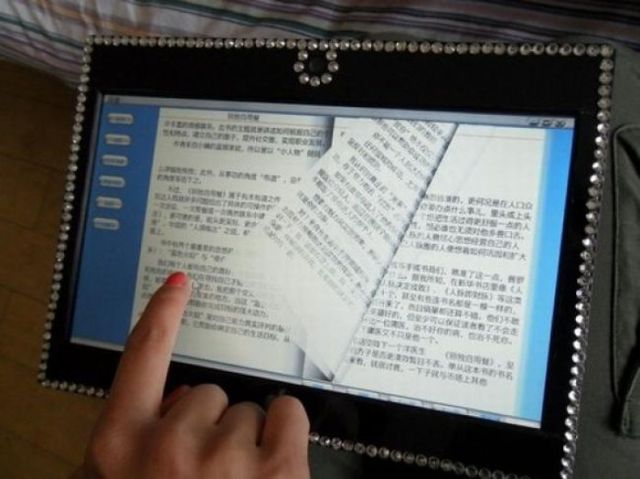
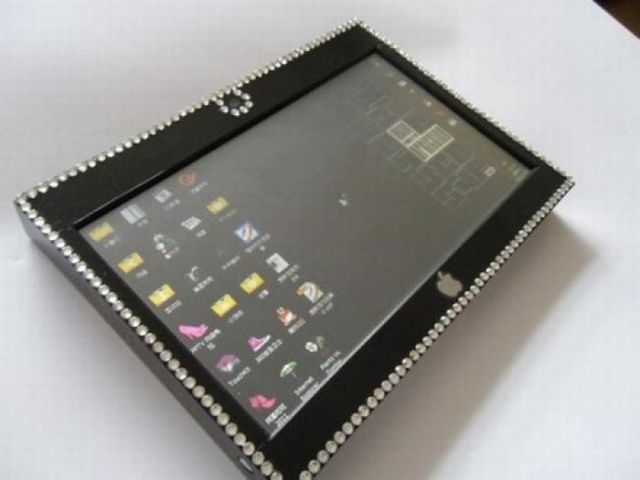
A student from China wished to purchase an Apple iPad for his girlfriend, but the device was too expensive for him to afford. He found a solution. He spent $78 on an old notebook and $50 on a new touchscreen display. Ten days later his iPad was ready.


DamnHot.net is just right with morning coffee.


Tags: iPad, diy, China, student  


Comments (17):

Show all comments
0
1.
mr774 5 month s ago
In the near future made in China may become a big fear
to our made in Japan products.
       
+2
2.
orendadude 5 month s ago
Pretty ingenious. Lot of work just to get laid though.
I have no problem with God,
It's his fan club I can't stand!!
       
0
3.
KILLUALL 5 month s ago
WOW...just looks like a 1:1 replica... I couldn't tell the difference... JUST kidding... so he connected a touchscreen with the inner filling of a notebook and packed it into a case. Looks like shit, works like shit. IPAD is shit to btw...
       
+1
4.
Frank 5 month s ago
You do realise that there are other tablets than an iPad? He didn't make an iPad, he made a tablet.
       
0
5.
f 5 month s ago
^ the apple sticker says otherwise
       
0
6.
FTW 5 month s ago
foookin ugly !!!! bwuaaaahahahaha
       
+1
7.
42dpi 5 month s ago
lawl a touchscreen laptop in a black case with windows and a apple stickers LOL.
       
0
8.
TaVo 5 month s ago
Like a Pro. A few people can do it something like that; most of us, just can work a lot, and buy an expensive iPad.
       
0
9.
Enter your name 5 month s ago
i think about 90 % of electronics are now made in China.
       
+1
10.
Moh1336 5 month s ago
At least she'll be able to do what she wants, unlike an iPad that makes you do what it wants you to.
       
0
11.
koowilliams 5 month s ago
took it out of my mouth...!!
       
-1
12.
Mr. Ree 5 month s ago
All that thought and work for a handjob? For $78 (US), you can get 4 girls for a whole week in Shanghai.
Suckee Fuckee, 5 dolla
       
0
13.
reddragon 5 month s ago
ah....true love
       
+1
14.
Enter your name 5 month s ago
looks heavy as phuk
       
0
15.
Jimmy 2 month s ago
To clarify tignhs a further, The see the entry form you must Be logged in (Please fill in the login form at the top right of this page using the user name and password sent to by email when you first registeredClick the Facebook Like button as indicated in the attached screen shotYou should see a dialog asking you to login to facebook if you are not already automatically logged inYou should then see a dialog asking you Like us on facebook and to leave a commentOnce you have Liked us on Facebook the page will reload and you will see the contest entry formScreen Capture of the Like button you should be seeing to Like us and reveal the entry form..
       
0
16.
Ebibah 2 month s ago
Hi everyone. Thank you so much for your steernit in our iPad Contest. Based on user feedback we've made some technical adjustments, and we would like for you to try entering again. There are 3 components to an entry you must be a registered user of My Inspired Wedding and be logged in. Once you Like our Facebook page, the entry form will appear.Please do try entering again (and remember you can enter everyday!). Let us know if you still have problems. Thanks!
       
0
17.
Arije 2 month s ago
The only reason we can think of is that you're not logegd in to the site. You don't have to register with the site again, but you do need to login. Please try again and let us know if you still have problems. Thanks!
       

Your response


Izismile community has 18089 members

JOIN US!


Advertisement
Advertisement


Advertisement


Advertisement


Archives

2012
2011
2010
2009
2008

Advertisement


Advertisement


Advertisement